A mount is a piece of steel you will never look at again, so it is tempting to buy the cheapest one. The type matters more than the brand. There are three, and each fits a different room. The short version: fixed for a TV at eye level, tilting for a TV above eye level, full-motion when the seat is not straight in front.
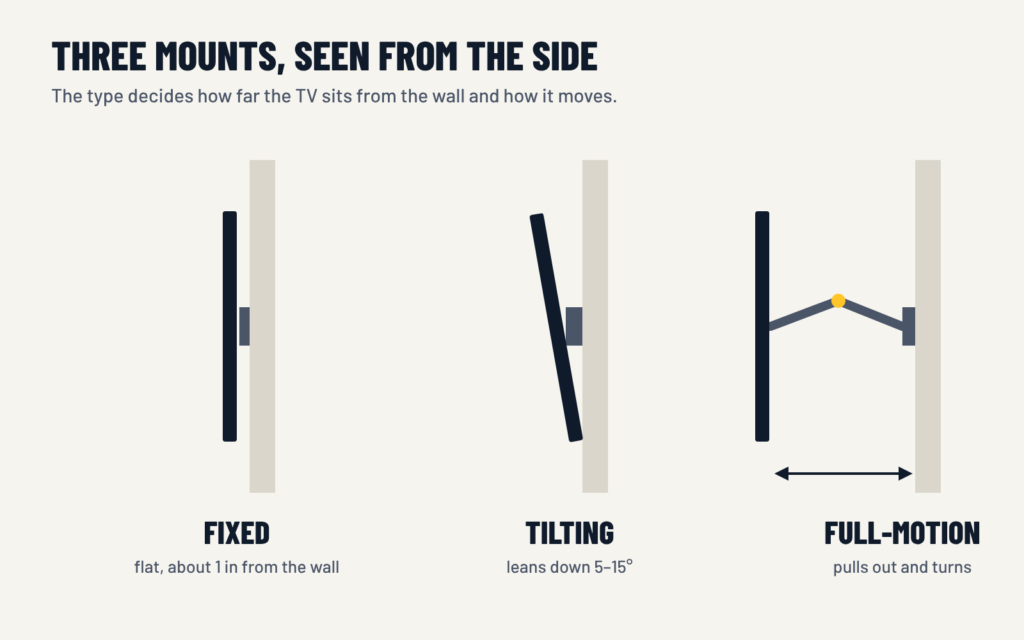
The three types side by side
| Type | How it moves | Best for | Mount from us |
|---|---|---|---|
| Fixed | Does not move; sits about an inch from the wall | TV at eye level, seats straight in front | from $39 |
| Tilting | Leans down, usually 5 to 15 degrees | TV above eye level, glare from windows | from $49 |
| Full-motion | Pulls out, turns left and right, tilts | Corners, open floor plans, seats off to one side | from $69 |
| Pull-down | Lowers the whole TV and lifts it back | A high fireplace wall | install from $200 |
If you already have a compatible mount, we install it at no extra charge.
Fixed
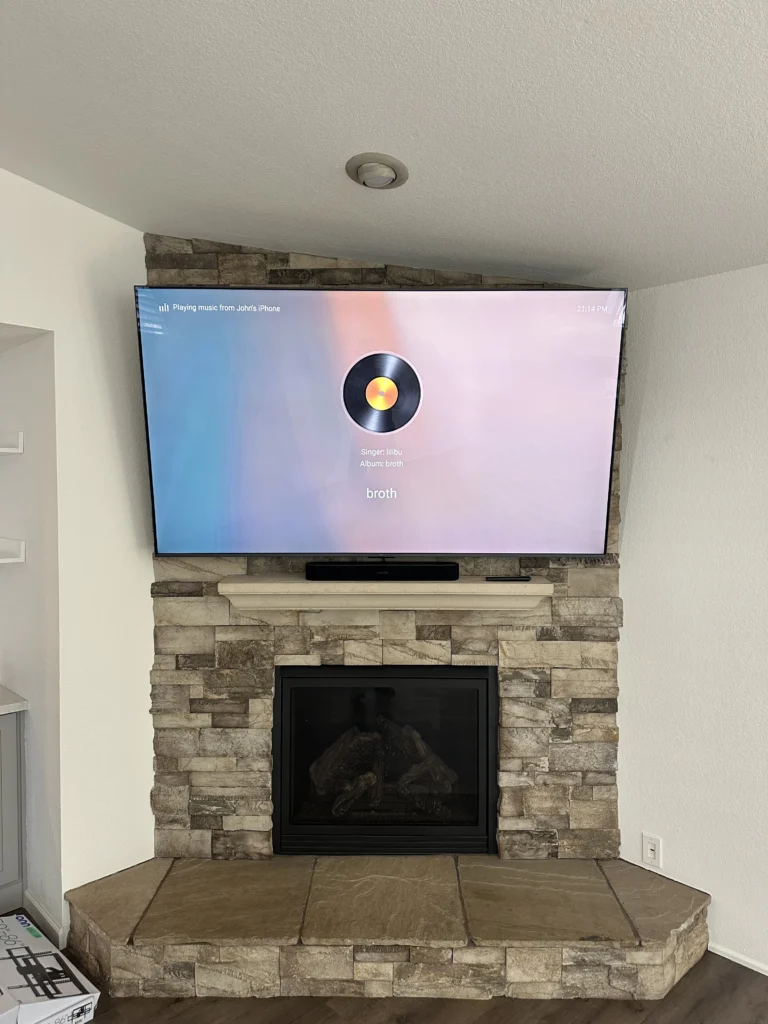
The TV sits flat and close to the wall, like a picture. It is the simplest, the strongest for its price and the best looking from the side.
Choose it when the TV is at eye level and you watch from straight in front. Skip it when you need to reach the ports often — there is very little room behind the screen. If a console or a streaming box gets plugged in and out, connect a short HDMI extension before the TV goes up and leave its end within reach.
Tilting
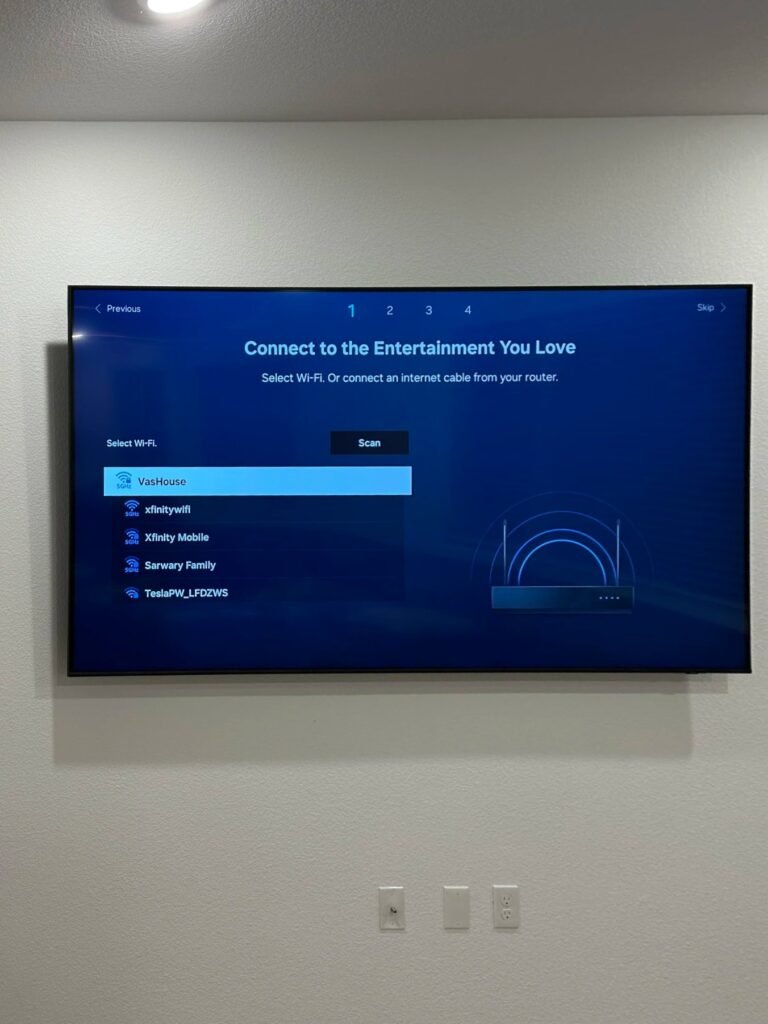
The same idea, but the screen leans forward a few degrees. That small angle matters whenever the TV hangs above eye level, because it points the picture at your seat and cuts glare from windows and lamps.
Choose it when the TV goes above a fireplace or high on a bedroom wall. A tilting mount also leaves a little more room behind the screen than a fixed one, which makes cables easier to reach. For the height itself, see how high to mount a TV.
Full-motion
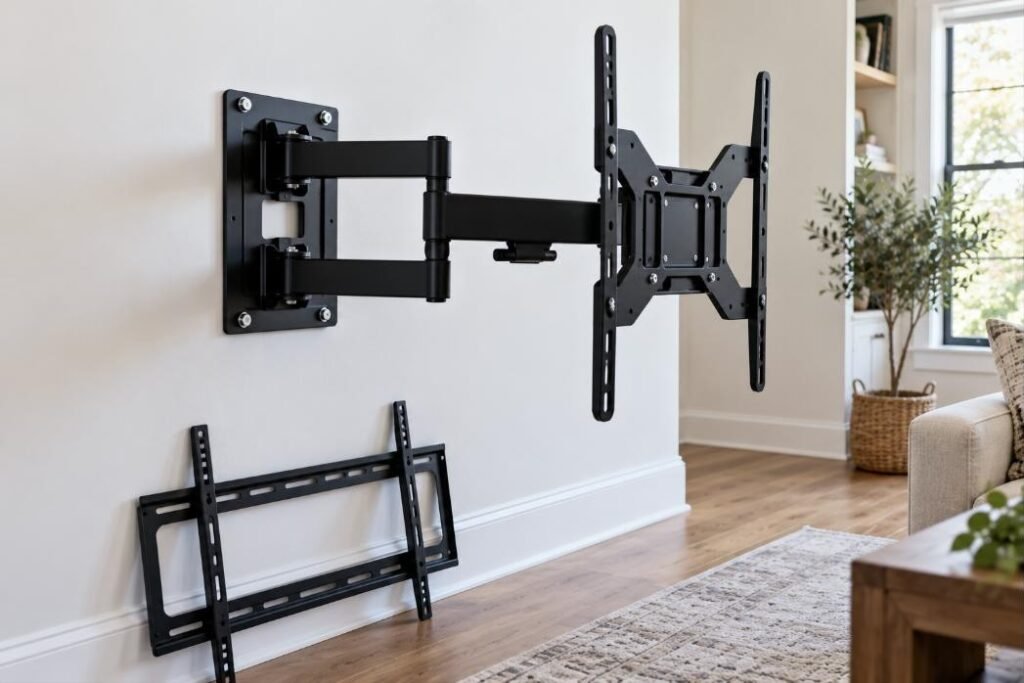
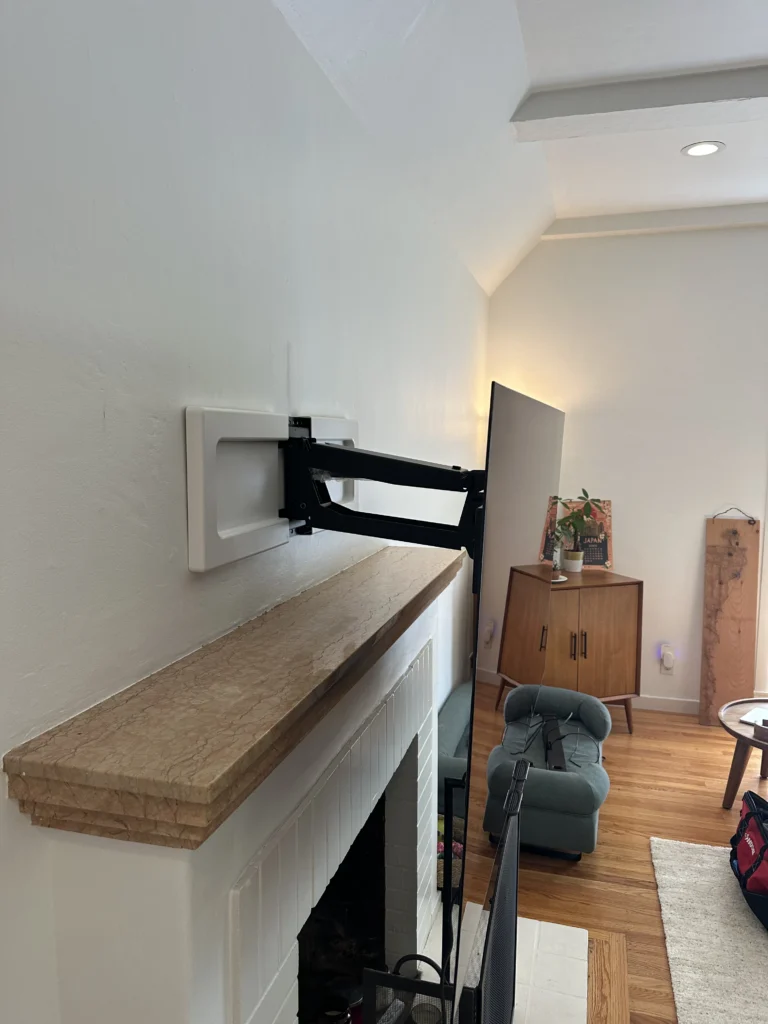
An arm lets the TV pull away from the wall and turn left or right. It solves rooms where a fixed position cannot work: a corner, an open kitchen and living room, a sofa that is off to one side.
Keep in mind: the arm puts much more leverage on the wall than a flat mount. It has to be bolted into solid studs or masonry, and it sits farther from the wall even when folded.
Two details decide whether a full-motion mount is a pleasure or a nuisance. The first is the wall plate: a plate wide enough to reach two studs is steadier than a single-stud arm, and it lets the TV be centered where you want it instead of where the stud happens to be. The second is how far the arm extends. To turn a wide TV toward the side, the arm has to reach out at least half the width of the screen — otherwise the edge of the TV hits the wall first.
What about pull-down mounts?
A pull-down mount, such as a MantelMount, lowers the TV from above a fireplace to eye level and lifts it back. It is the best answer for a high fireplace wall and the most demanding to install. See MantelMount installation.
Mistakes we see most often
- Full-motion “just in case.” If you always watch from the same sofa, the arm adds cost and distance from the wall and never gets used.
- A fixed mount above a fireplace. The picture looks washed out from below and there is no way to correct it later without changing the mount.
- A mount rated right at the TV’s weight. Leave a margin, especially on an arm.
- The wrong VESA pattern. The mount physically does not line up with the holes, and that is discovered with the TV already out of the box.
Before you buy
- Check the VESA pattern — the distance between the four screw holes on the back of the TV, in millimeters. Common ones are 200×200, 400×400 and 600×400. The mount must list yours.
- Check the weight rating and leave a margin.
- If you already have a compatible mount, we install it at no extra charge. If not, the installer can bring one: fixed from $39, tilting from $49, full-motion from $69.
Common questions
Is a full-motion mount safe on drywall?
On drywall over wood studs, yes, when it is bolted into the studs. Drywall anchors alone are not enough for a TV on a moving arm. On metal studs it takes anchors made for them, so tell us in advance.
Which mount is best for a 75-inch TV?
The size does not decide the type; the height and the seating do. What changes with size is the rating: the mount has to list the TV’s weight and VESA pattern.
Can a fixed mount be changed to a tilting one later?
Only by replacing it. The new bracket usually needs new holes, so it is worth deciding before the first installation.
Does the mount have to be the same brand as the TV?
No. VESA is a shared standard, and any mount that lists your pattern and weight will fit.
Get a price for your TV — name and number first, then a few quick questions. It takes about a minute.