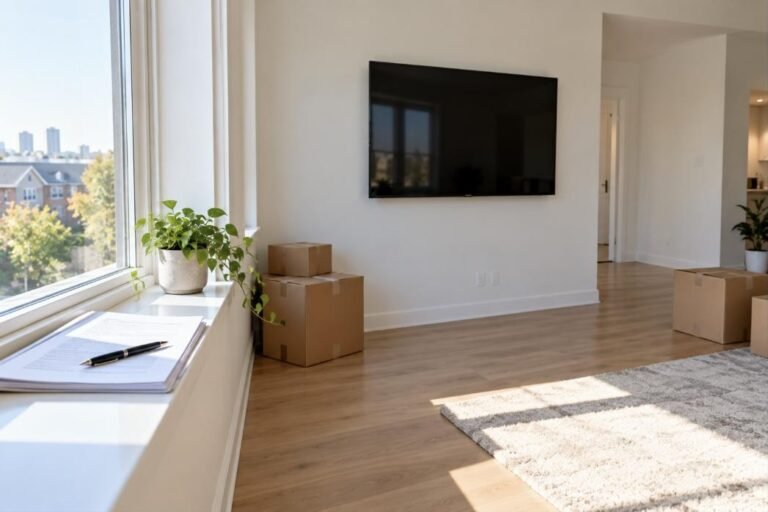
The installer does the hard part. These few things, done before the doorbell rings, make sure the visit goes to mounting your TV and not to hunting for parts.
What to have ready
| Item | Why it matters |
|---|---|
| The TV, out of storage and in the room | A TV carried in cold from a garage should warm up before it is switched on |
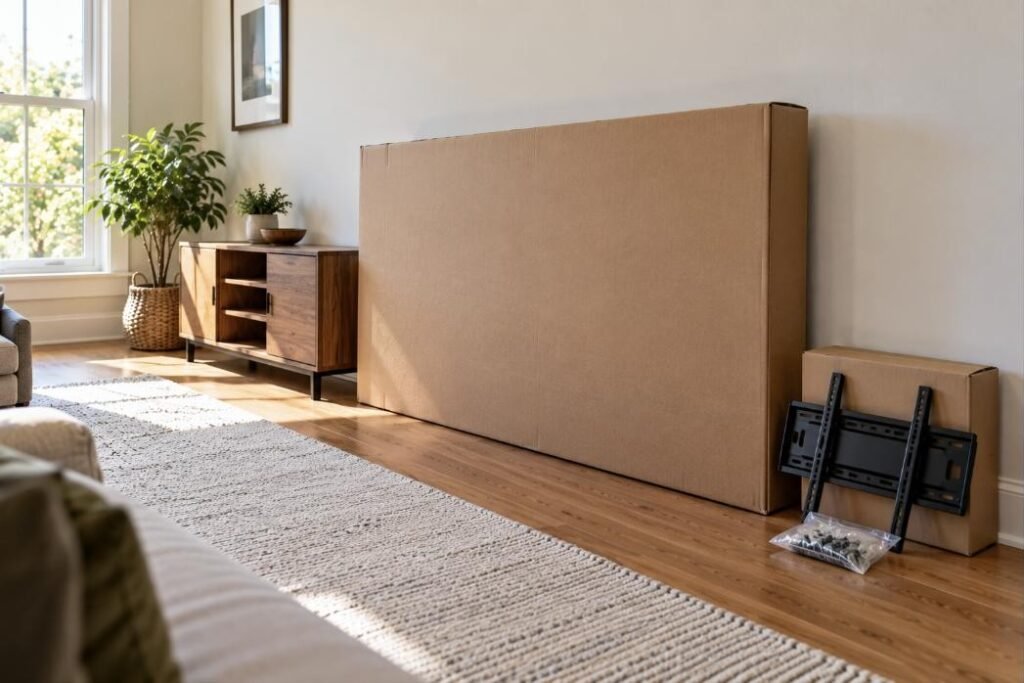
| The small bag of screws from the TV box | The screws for the back of the TV are sometimes in it |
| Your mount, if you bought one | It has to list the TV’s size, weight and VESA pattern |
| Cables, counted and long enough | In-wall runs need HDMI marked CL2 or CL3 |
| The soundbar and its bracket | So it can go up in the same visit |
| A second pair of hands, if you said you would help | TVs 60 inches and larger need two people for the lift |
| Gate code, parking spot, building rules | So the visit starts on time |
The day before
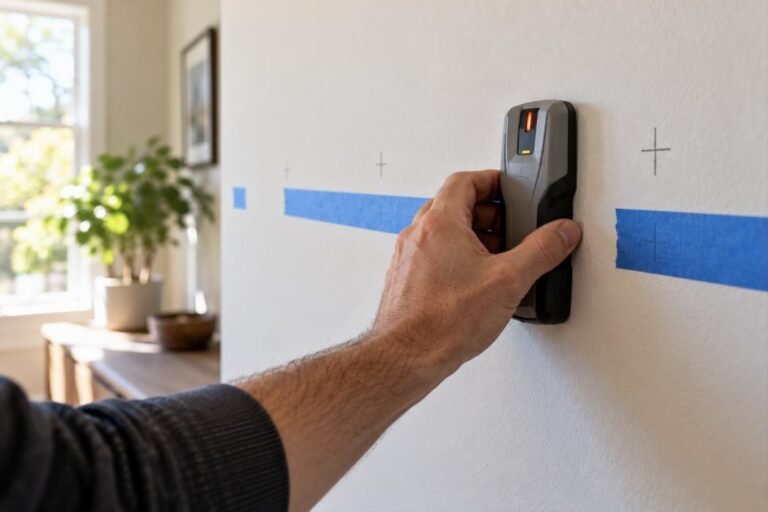
- Decide on the wall. If you are between two spots, say so — the installer will check both for studs and outlets.
- Find the parts. The TV’s box usually has a small bag with screws and the stand. Keep the bag; the screws for the back of the TV are sometimes in it.
- Check your mount. If you bought your own, make sure it lists your TV’s size, weight and VESA pattern. Not sure? Send us the model and we will tell you. The types are compared in which TV mount you need.
- Count your cables. If they are going inside the wall, the HDMI cable has to be long enough and rated for in-wall use (CL2 or CL3 on the jacket). See how to hide TV wires.
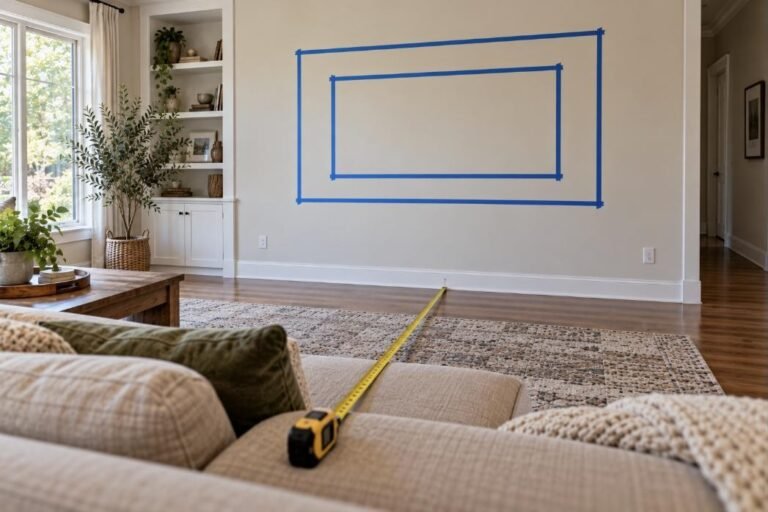
- Think about the height. Sit where you watch and note where your eyes land on the wall. The installer will mark it with you, but it goes faster if you have already looked. See how high to mount a TV.
The morning of
- Clear the wall and the floor in front of it — about six feet. Move the console, plants and anything fragile.
- Unplug what is connected to the old TV, or leave it and the installer will reconnect everything.
- Plan for pets and small children to be in another room while drilling is going on.
- Have someone available to help lift if you told us you would. TVs 60 inches and larger need two people.
- Take pictures off the wall on the other side if they hang right behind the spot: drilling shakes them.
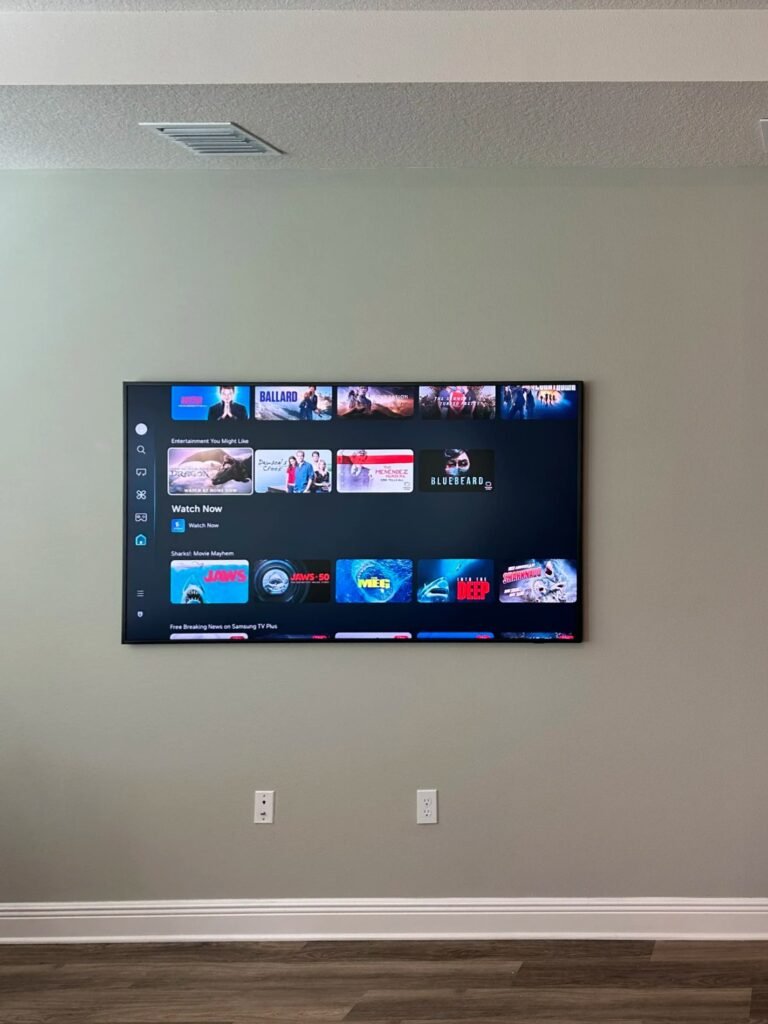
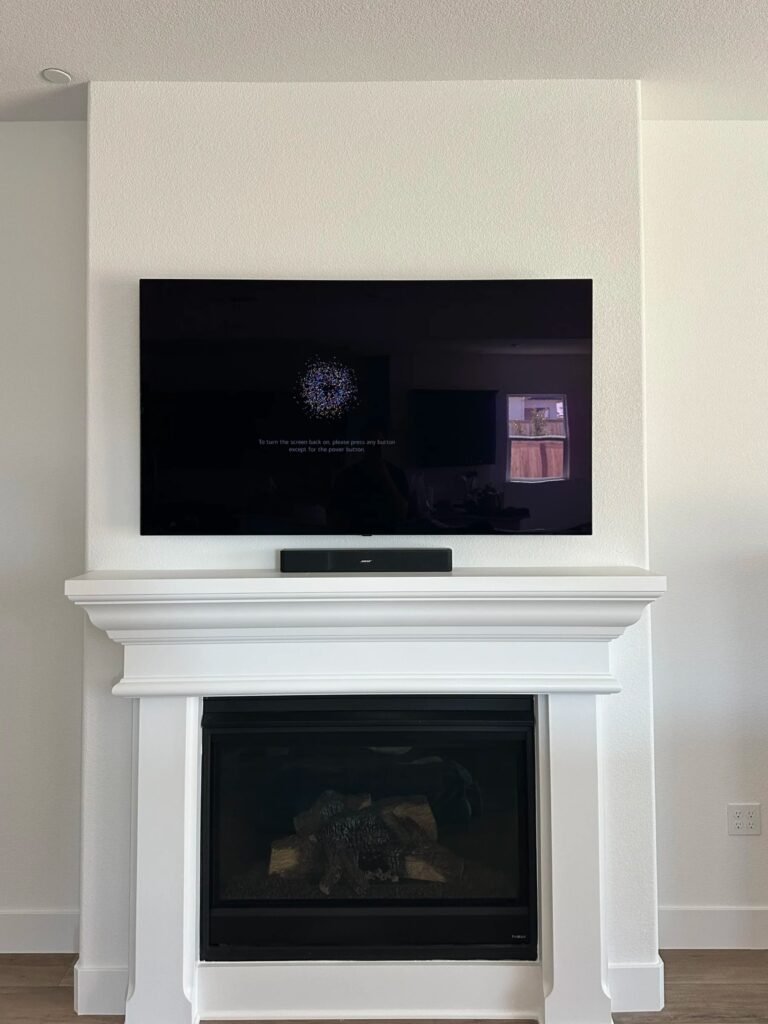
What the installer brings
Drill, level, stud finder, and the anchors and bits for the wall you described. If you ordered a mount or a cord cover from us, it comes with the installer. What does not come along unless you asked: HDMI cables, a soundbar bracket, a shelf. If you are missing something, say so when you book and we will tell you whether we can bring it.
While the installer is there
- You go over the order together.
- The installer marks the spot. You look at it from your seat and approve it. Nothing is drilled until then.
- If something on site changes the price — a different wall than expected, an extra TV — you see and approve the new total before work starts.
The one decision only you can make is the exact position. Take the minute it needs: sit down, look at the tape on the wall, and ask for it an inch higher or lower if that is what you see. Moving a mark costs nothing. Moving a mounted TV means new holes.
How long it takes
It depends on the wall more than on the TV. A single TV on drywall is the quick case. A fireplace, stone or tile, cables inside the wall or a pull-down mount each add time. The installer will tell you what to expect before starting, and you do not need to stand by the whole time — only for the order at the start, the approval of the spot and the check at the end.
After
Check that the TV is level, that every device shows a picture, and that the cables look the way you agreed. You pay when the job is done, by card or cash.
- Switch through every input, not just the one you use most.
- Play something with sound through the soundbar.
- If the mount tilts or swings, move it through its full range once while the installer is still there.
- Keep the leftover screws and the mount’s manual in one bag. You will want them if you ever move the TV.
Common questions
Do I need to be home during the installation?
An adult who can approve the position needs to be there at the start and at the end. That approval is the step we do not skip.
Do I need to buy anything before the visit?
Only what you want that we do not bring by default: in-wall rated HDMI cables for the in-wall option, and your own soundbar or shelf. A mount and a cord cover can come with the installer.
What if the wall turns out to be different?
Then the installer stops and shows you. If it changes the price, you see the new total and decide before any work starts.
Should I unbox the TV myself?
You can leave it in the box. If you do open it, keep the box upright and do not lay a large screen flat on the floor.
Get a price for your TV — name and number first, then a few quick questions. It takes about a minute.